Restaurants that deploy self-order kiosks see average order values climb $1–3 per transaction — not because customers suddenly want more food, but because a kiosk never forgets to ask "Would you like to add a drink?" The upsell prompts a rushed cashier skips every single time are baked into every order, automatically.
But the software running that kiosk matters as much as the hardware. Pick the wrong platform and you're stuck with a clunky interface that frustrates customers, a payment processor charging 3.2%, and a support team that only responds by email. Pick the right one and you've got a second cashier that works every shift, never calls in sick, and pays for itself in a few months.
Here's a straight look at the five best kiosk software platforms for restaurants in 2026 — what they cost, where they shine, and where they fall short.
What to Look For in Restaurant Kiosk Software
A few factors actually matter here. Not all of them get equal weight in vendor brochures, which is exactly why you should know them before you're sitting across from a sales rep.
The difference between a 2.4% and 3.2% processing rate can cost an independent restaurant thousands of dollars annually — a number worth calculating before signing any contract.
Payment processing rate — This is where most restaurants get quietly gouged. The difference between 2.4% and 3.2% on $60,000/month in kiosk sales is $480/month. That's real money.
Contract terms — Some platforms lock you into 3-year agreements. If the software turns out to be clunky or the company raises rates, you're stuck.
Hardware flexibility — Can you buy your own hardware, or are you forced to lease theirs at a markup?
Menu management — How fast can you push a price change or add a seasonal item across all kiosks? If it takes a support ticket, that's a problem.
Integration depth — Does it talk to your kitchen display system, your loyalty program, your accounting software?
Offline mode — Kiosks that go down when your internet hiccups are a liability, not an asset.
With that in mind, here's how the top platforms stack up.
Not sure what you're actually paying in processing fees? You can get a free payment processing rate report from Parity — it reads your statement and shows the markup hiding in your effective rate.
1. Final POS
Best for: Restaurants that want transparent pricing, no lock-in, and Stripe-powered reliability.
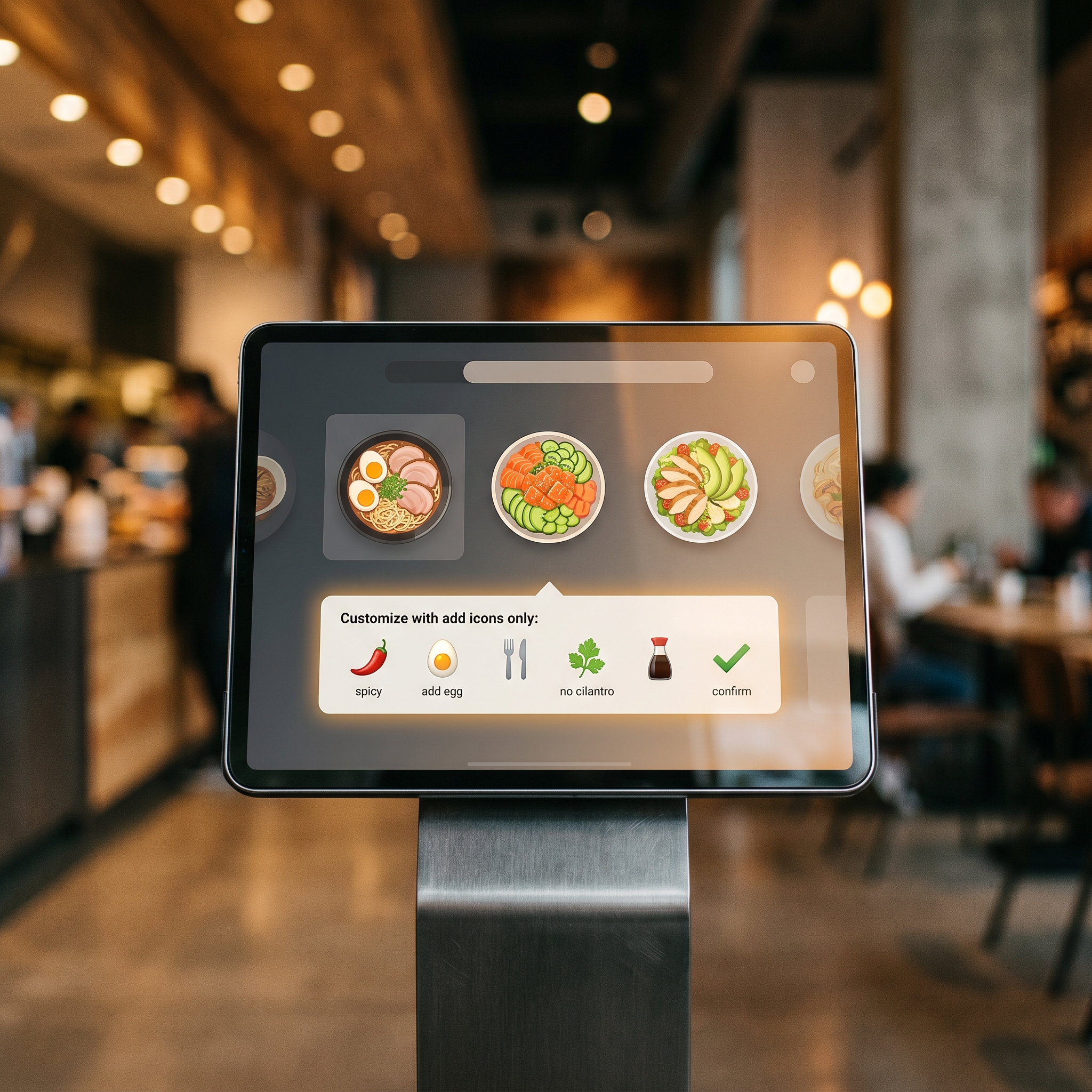
Automated upsell prompts built into kiosk software consistently capture add-on sales that a busy cashier would skip — contributing to the $1–3 average order value lift restaurants typically see after deployment.
Final POS is built on Stripe's infrastructure — 99.999% uptime, PCI Level 1 compliance, and payment processing that works in 45 countries. For a restaurant owner in St. John's or Sydney, that's not a marketing claim. It's a measurable difference from processors that treat uptime as an afterthought.
The kiosk interface is fully customizable. You control the upsell prompts, the menu layout, the modifier flows. And when you need to change something at 5pm before a dinner rush, you do it yourself — no support ticket, no waiting.
Pricing: Under 2.4% blended rate on interchange-plus pricing. No hidden qualifications, no tiered categories where your best cards suddenly cost more. What you see is what you pay.
Contracts: Month-to-month. No early termination fees. Hardware is merchant-owned, not leased.
Support: This one matters more than people expect. Final POS has a local team in St. John's you can actually call — not a 1-800 number routing you to an outsourced call centre, but a real person who knows your setup. (Ask any restaurant owner who's had a payment terminal freeze during a Saturday dinner rush how much that's worth.)
Where it falls short: Final POS is a newer platform, so the third-party app marketplace isn't as large as Clover's or Square's. If you have a very specific integration need, confirm it's supported before committing.
For most independent restaurants and small chains, though, Final POS hits the right combination of cost, flexibility, and support. A 60-seat restaurant processing $80K/month saves roughly $640/month compared to a processor charging 3.2% — that's $7,680/year just from the rate difference.
See how Final POS compares to a traditional cashier setup in our [self-order kiosk vs. traditional POS breakdown](/self-order-kiosk-vs-traditional-pos).
2. Toast Kiosk
Best for: Mid-size to large restaurants already invested in the Toast ecosystem.

When a payment terminal freezes during Saturday dinner service, email support isn't enough — local phone support from a team that knows your setup is a practical differentiator, not a marketing line.
Toast has built one of the more complete restaurant technology stacks available — kitchen display systems, online ordering, loyalty, payroll, and kiosks all under one roof. If you're already running Toast POS, adding their kiosk module makes sense. The integration is tight, menu changes sync instantly, and reporting consolidates across all channels.
The hardware is purpose-built for restaurants: spill-resistant, durable, and designed to handle a busy service without freezing.
Pricing: Toast's processing rates typically land in the 2.49%–3.09% range depending on your plan, with higher rates on lower monthly software tiers. Their hardware is often bundled into financing arrangements rather than sold outright — which means you're paying for it one way or another, just not transparently.
Contracts: Toast has moved toward more flexible terms in recent years, but many merchants report being pushed toward 2-year commitments during the sales process. Read the contract carefully. Then read it again.
Where it falls short: Toast is expensive if you're not already in their ecosystem. Onboarding a kiosk as a standalone product, or switching to Toast from another platform, involves significant upfront costs and a real implementation lift. Their support has also drawn mixed reviews — responsive for critical outages, slower on configuration questions.
If you're running a 10-location chain already on Toast, their kiosk is a natural extension. Starting fresh? The total cost of ownership is worth scrutinizing hard.
3. Square Kiosk
Best for: Small restaurants and cafés that want to get up and running fast with minimal setup.
Square's kiosk offering is the easiest to deploy of any platform on this list. You can have a working self-order kiosk running on an iPad in an afternoon — no installation crew, no lengthy onboarding, no application process. For a café owner who wants to test kiosk ordering without a major commitment, that accessibility is genuinely valuable.
The interface is clean, customers figure it out quickly, and Square's online ordering integration means your in-store menu and digital menu stay in sync.
Pricing: 2.6% + $0.10 per transaction. Flat rate, no interchange-plus option. At low volumes this is fine. At $50,000/month in kiosk sales, you're paying roughly $1,300/month in processing fees versus around $1,200 at 2.4% interchange-plus — and the gap widens as volume grows.
Account stability: This is Square's real Achilles heel for restaurants. Square has a well-documented pattern of placing holds on accounts — sometimes mid-service, with no warning and no phone number to call. For a restaurant doing $8,000 in a Saturday dinner rush, a frozen account is a crisis. Their customer support is primarily chat and email, which is cold comfort when you need help right now.
Where it falls short: Square's kiosk customization is limited. Complex modifier flows, multi-course ordering, and table-service workflows push against the edges of what Square was designed to handle. It's built for simple, fast transactions — great for a coffee counter, limiting for a full-service restaurant.
For small restaurants and cafés with straightforward menus, Square Kiosk is a legitimate option. Just know what you're trading away at volume.
For a deeper look at how kiosk ROI plays out at different volume levels, see our [restaurant kiosk ROI calculator guide](/kiosk-roi-restaurants).
4. Lightspeed Restaurant
Best for: Restaurants with complex menus and multi-location reporting needs.
Lightspeed has been building restaurant POS software for a long time, and it shows in the depth of their feature set. Menu management is genuinely sophisticated — complex modifier trees, time-based pricing, allergen information managed at the item level. For a restaurant with a large, rotating menu, that depth matters.
Their kiosk module integrates with Lightspeed's broader platform, which includes solid multi-location reporting. If you're running several locations and need consolidated sales data without manually pulling reports from each store, Lightspeed handles that well.
Pricing: Processing rates vary by region and plan, generally landing between 2.6%–2.9% for most Canadian merchants. Software pricing runs $69–$399/month depending on features. The total cost adds up quickly for smaller operations.
Contracts: Lightspeed has historically pushed annual contracts, though they've introduced monthly options. The annual commitment comes with a discount — but it's still a commitment.
Where it falls short: Lightspeed is a complex platform. Setup takes time, and getting the most out of it requires real investment in configuration. For a single-location restaurant, the complexity-to-benefit ratio often doesn't make sense. And their kiosk module feels like an add-on to their POS — because it is — rather than a purpose-built kiosk experience.
Lightspeed earns its place on this list for multi-location operators with complex menus. For everyone else, the cost and complexity are hard to justify.
5. TouchBistro
Best for: Canadian restaurants that want a locally-developed platform with strong table-service features.
TouchBistro is a Toronto-based company, which matters for Canadian merchants — the support team operates in your time zone, understands Canadian tax rules, and the platform is built with Canadian restaurant workflows in mind.
Their kiosk product integrates with TouchBistro's POS, loyalty program, and online ordering. The interface is well-designed for full-service restaurants, with good support for multi-course ordering and table assignment from the kiosk.
Pricing: TouchBistro charges a flat monthly software fee (starting around $69/month for the base POS, with kiosk as an add-on) and uses third-party payment processors, meaning your processing rate depends on which processor you pair it with. That flexibility is a double-edged sword — you can potentially get a good rate, but you're also responsible for negotiating it yourself.
Contracts: Annual plans are the default. Monthly billing is available but typically costs more.
Where it falls short: TouchBistro's kiosk is a newer product and still maturing. Some merchants report that menu sync between the POS and kiosk requires more manual management than it should. And because payment processing is handled by third parties, your support experience for payment issues depends on which processor you chose — not TouchBistro.
For Canadian full-service restaurants already on TouchBistro POS, the kiosk addition is worth evaluating. For everyone else, it's a platform to watch as the kiosk product matures.
Feature Comparison at a Glance
| Platform | Processing Rate | Contract | Hardware Ownership | Support | Best For | |---|---|---|---|---|---| | Final POS | Under 2.4% | Month-to-month | Merchant-owned | Local phone support | Independent restaurants, small chains | | Toast | 2.49%–3.09% | Often 2-year | Financed/bundled | Mixed reviews | Restaurants already on Toast | | Square | 2.6% + $0.10 | No contract | Merchant-owned | Chat/email only | Cafés, simple menus | | Lightspeed | 2.6%–2.9% | Annual preferred | Merchant-owned | Phone + email | Multi-location, complex menus | | TouchBistro | Varies by processor | Annual preferred | Merchant-owned | Phone + email | Canadian full-service restaurants |
What's the Best Kiosk Software for Small Restaurants?
If you're running a single location with a straightforward menu — a café, a quick-service spot, a food counter — Square gets you live the fastest with the least friction. No application, no lengthy setup, just an iPad and you're taking orders.
But if you're doing any real volume ($30K+/month through the kiosk), the math starts working against Square's flat rate. That's where Final POS makes more sense: interchange-plus pricing under 2.4%, a customizable interface that handles more complex menus, and actual phone support when something goes wrong at 7pm on a Saturday.
The honest answer for most small restaurants: start by calculating what you'd pay in processing fees at your current or projected monthly volume under each pricing model. A 0.4% difference sounds small. On $40,000/month, it's $160/month — $1,920/year — for identical functionality. That's not nothing.
Our Recommendation
For most independent restaurants and growing small chains, Final POS is the strongest choice in 2026. Interchange-plus pricing under 2.4%, no lock-in contracts, merchant-owned hardware, and genuine local support — that combination is hard to match.
The platforms charging 3%+ and locking you into multi-year contracts aren't doing it because the technology costs more. They're doing it because they can — because most merchants don't run the numbers until they're already stuck. We've seen it happen to restaurant owners in St. John's who were paying 3.2% on every transaction for three years before they finally switched. Three years.
Before you sign anything, run this calculation: take your projected monthly kiosk sales, multiply by the processing rate, and compare that number across every platform you're considering. Do it over 24 months. The difference will likely be larger than you expect.
For a full breakdown of how kiosk solutions fit into a restaurant's broader technology stack, see The Complete Guide to Restaurant Kiosk Solutions in 2026.
And if you want to see what Final POS actually costs for your volume — with real numbers, not a sales pitch — get a transparent quote here.