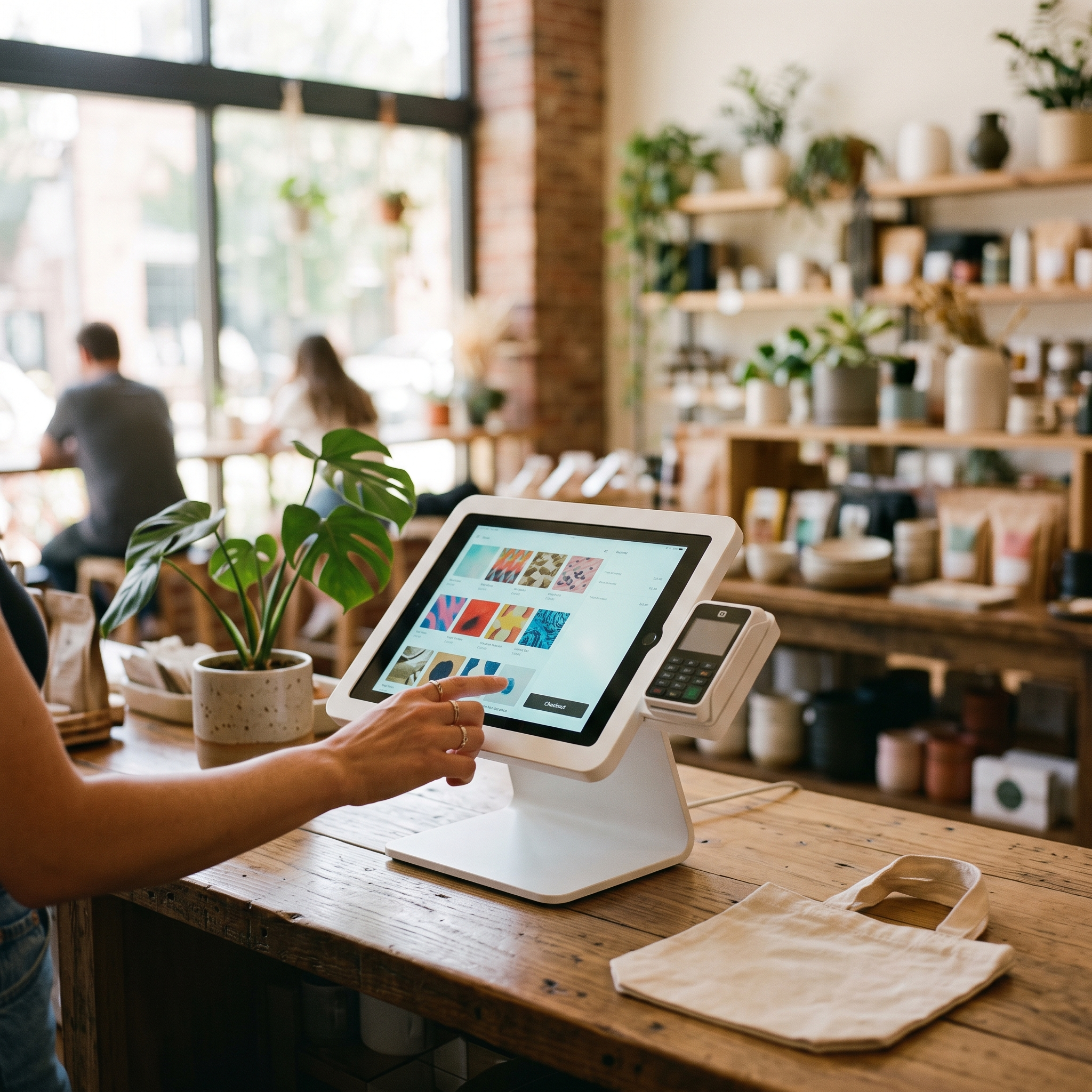
Oliver POS doesn't have a partnership with Kit (formerly ConvertKit). It supports Kit because the ConvertKit for WooCommerce plugin already syncs customers, tags them by purchase, and subscribes them to sequences from WooCommerce. Oliver writes every in-store sale into WooCommerce as a normal order, the plugin treats it the same way it treats an online order, and every sequence, tag rule, and broadcast picks up counter purchases. Kit does the email. WooCommerce is the system of record. Oliver is the till on top.
What Kit (ConvertKit) is, exactly
Kit (the rebrand of ConvertKit) is the email-marketing platform built for creators, indie brands, and direct-to-consumer founders. The product centres on subscribers, tags, and sequences — a tag-and-trigger model that fits how creators actually run their lists. Kit is the email platform for brands where the voice is the product, where the audience came from a podcast or a YouTube channel or an Instagram following, and where launches and offers matter more than transactional drip.
The ConvertKit for WooCommerce plugin (now branded Kit but still using ConvertKit in the plugin slug for backward compatibility) syncs customers from WooCommerce into Kit, tags them by purchased product or category, and can subscribe customers to Kit sequences automatically based on order events.
How Oliver POS feeds in-store sales into Kit
The Kit WooCommerce POS flow inside Oliver:
The cashier rings the sale on the Oliver register and taps Charge.
Oliver prompts to attach a customer with marketing consent.
The cashier takes payment through whatever WooCommerce payment gateway the store uses.
Oliver writes a standard WooCommerce order.
The ConvertKit for WooCommerce plugin sees the order and runs the rules configured against the products in that order — tag the customer, subscribe them to a sequence, add them to a form.
Kit fires the resulting sequence immediately.
The ConvertKit / Kit WooCommerce plugin — what Oliver rides on
Oliver rides on the official ConvertKit for WooCommerce plugin. Setup mirrors any other Kit onboarding: install the plugin, connect to your Kit account using your API secret, define the product-to-tag-or-sequence mapping, and let in-store and online orders alike trigger the right Kit automations.
Why pushing in-store sales into Kit matters
Kit's users are often creators, course founders, and indie brands who started online and are now adding a physical retail presence — a pop-up, a flagship, a wholesale partnership. The whole brand identity lives in Kit, including the email voice and the audience segments. If in-store buyers don't make it into Kit, they get treated like strangers when they come back online.
Push Oliver POS sales through the WooCommerce sync and Kit tags in-store buyers correctly. A counter purchase of a specific product can subscribe the customer to the matching sequence — "You bought X, here's how to use it" — exactly the way an online purchase would. Tags accumulate across surfaces; segmentation reflects the whole customer.
What this is NOT
Oliver POS is not a Kit partner. There's no co-marketing agreement, no revenue share, and no special pricing. Oliver doesn't insert itself between WooCommerce and Kit; the data path is the same one any WooCommerce store uses. Oliver doesn't charge a markup or per-subscriber fee. Your Kit account is entirely between you and Kit.
Setup in 4 steps
Install the ConvertKit for WooCommerce plugin and connect it to your Kit account using your API secret.
Map WooCommerce products to Kit tags and sequences inside the plugin settings.
Install Oliver POS, sign in to the register, and confirm the customer-capture prompt with marketing consent is enabled at checkout.
Run a small live test sale at the counter, attach a subscriber, and confirm the tag and/or sequence subscription appear in Kit within seconds.
FAQ
Does ConvertKit still exist or is it just Kit now?
It's the same product — Kit is the new brand name. The WordPress.org plugin still uses the ConvertKit slug for compatibility and is still maintained. Oliver POS works with the plugin under either name.
Can a counter purchase of a specific product subscribe the customer to a Kit sequence?
Yes — the plugin lets you map WooCommerce products to Kit tags or sequences. An in-store sale of the mapped product triggers the same subscription as an online sale would.
Does Oliver POS partner with Kit?
No. Kit is supported because it ships an official WooCommerce plugin that any WooCommerce store can install.
Does Oliver charge extra to use Kit?
No. Oliver's pricing is a flat monthly POS software fee. You pay Kit directly.
Will my online + in-store customers be one Kit subscriber?
Yes. Kit matches by email; Oliver POS attaches the WooCommerce customer to every register sale, so the shopper has one Kit subscriber spanning online and in-store activity.
Try Oliver POS free for 30 days at /demo/ — bring your WooCommerce store and your Kit account and fold in-store buyers into your creator email list within an hour.